How do I setup e-mails on my phone?


Open Outlook. The icon looks like this:

If you don’t have it yet, download it from the appropriate App Store below.
Apple iOS: https://app.adjust.com/rg1l6s
Android: https://app.adjust.com/xzzdub
NOTE: Available for iOS devices using iOS 9.0 or higher.

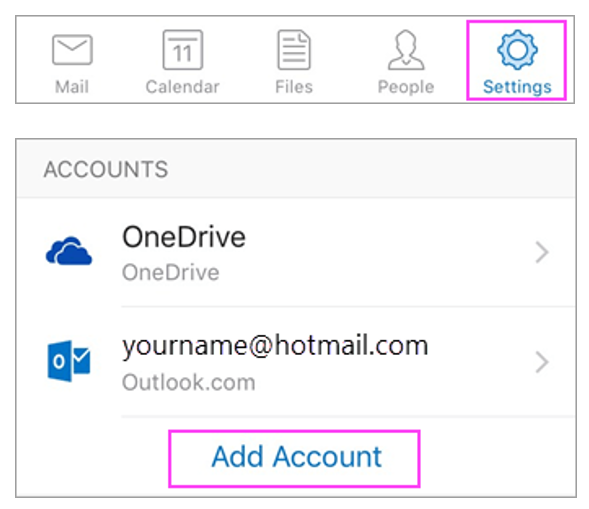
Go to Settings > Add Account > Add Email Account.

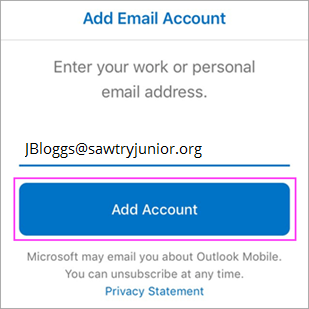
Type your full email address, then tap Add Account.

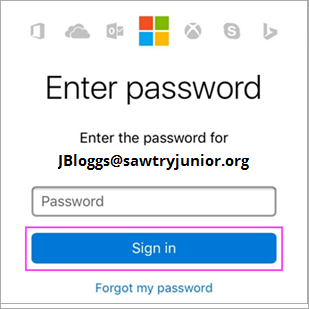
Enter your email account password and tap Sign In.

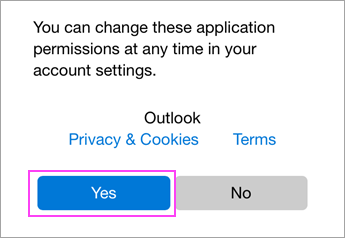
Tap Yes or Allow to give Outlook permission to sync calendar, contacts, etc.

You’re now ready to use Outlook!